

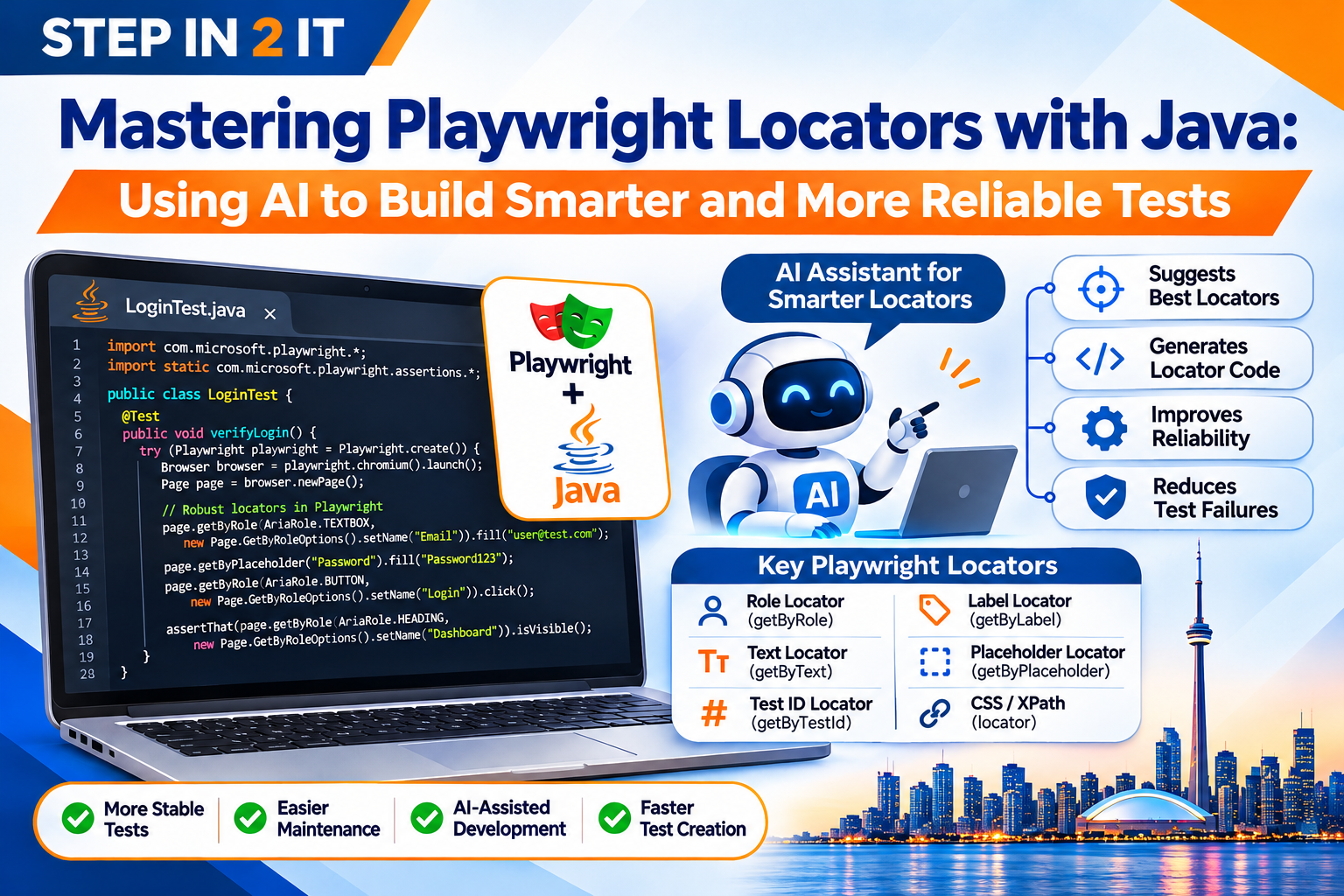
Learn how modern locator strategies and Generative AI can help QA engineers create stable, maintainable browser automation.
Every automated browser test begins with an important task: identifying the correct element on a webpage. Whether a QA engineer is clicking a Login button, entering customer information, selecting a product or validating a dashboard, the automation script must locate the right web element before performing an action.
In Selenium, testers commonly use ID, name, class name, CSS selectors and XPath. Playwright introduces a more powerful and user-friendly locator approach, including role-based, text-based, label-based and placeholder-based locators.
For Java automation engineers, mastering these locator strategies is essential for developing reliable and maintainable automation frameworks. Generative AI adds another dimension: AI coding assistants can help analyse HTML structures, suggest locators, generate Java code and troubleshoot failures.
The real advantage comes from combining Playwright's built-in locator capabilities with the technical judgement of an experienced QA engineer.
1. What Are Playwright Locators?
A locator is a mechanism used to identify an element on a webpage so that an automation script can interact with it. Common elements include text boxes, buttons, hyperlinks, dropdowns, checkboxes, tables, navigation menus, dialogs and interactive components.
Playwright provides a locator API that identifies elements using visible properties, accessibility information, attributes and DOM structure. In Java, a locator can be created using the Page object:
Locator loginButton = page.locator("#login");
loginButton.click();
Here, #login is a CSS selector identifying an element with the ID login. Playwright locators resolve the target element when an action or assertion is performed, rather than requiring engineers to maintain a previously captured element reference. This helps when page content changes during execution.
2. Understanding Different Types of Playwright Locators with Java
One of the most important skills for Playwright engineers is knowing which locator strategy to use in different situations.
A. getByRole() – Role-Based Locators
Role-based locators identify elements using their accessible role and, where appropriate, accessible name. They encourage testers to interact with applications in a way that reflects how users understand the interface.
page.getByRole(
    AriaRole.BUTTON,
    new Page.GetByRoleOptions().setName("Login")
).click();
Use role locators for buttons, navigation links, checkboxes, radio buttons, headings, menus and other accessible controls. They are generally an excellent starting point for interactive elements.
B. getByText() – Text-Based Locators
page.getByText("Welcome Back").click();Text-based locators identify elements by visible text. They can be useful for menu items, links, confirmation messages and page content. If the same text appears multiple times, use a more specific or scoped locator.
C. getByLabel() – Label-Based Locators
page.getByLabel("Email Address")
    .fill("qa@example.com");
Label-based locators are particularly useful for registration forms, login forms, contact forms and other form inputs that are properly associated with accessible labels.
D. getByPlaceholder() – Placeholder-Based Locators
page.getByPlaceholder("Enter your password")
    .fill("SecurePass123");
This is useful when an input field has a meaningful placeholder but no easily identifiable label. Prefer stable labels where possible because placeholder text can change.
E. getByTestId() – Test ID Locators
Test IDs are attributes added to application elements to support reliable automated testing.
<button data-testid="submit-login">Login</button>page.getByTestId("submit-login").click();Test IDs can be useful for complex applications where accessible names or visible text are not sufficient. Development teams should agree on a consistent naming convention.
F. locator() – CSS and XPath Locators
// CSS
page.locator("#username").fill("testuser");

// XPath
page.locator("//input[@name='email']")
    .fill("qa@example.com");
CSS and XPath remain useful when other locator strategies are unsuitable. Avoid unnecessarily complicated XPath expressions that depend on multiple levels of the DOM hierarchy.
3. Which Playwright Locator Should You Use?
| Locator | Java Method | Best Use |
|---|---|---|
| Role | getByRole() | Buttons, links and accessible controls |
| Text | getByText() | Visible text and messages |
| Label | getByLabel() | Form inputs |
| Placeholder | getByPlaceholder() | Input fields with placeholder text |
| Test ID | getByTestId() | Stable automation-specific identifiers |
| CSS | locator() | Attribute and DOM-based selection |
| XPath | locator() | Complex DOM relationships when necessary |
4. How AI Can Help QA Engineers Build Better Locators
Traditionally, a QA engineer inspects the webpage, examines its HTML, identifies the appropriate attributes and manually writes a locator. Generative AI can assist with this process.
Example: AI-assisted locator identification
Consider this HTML:
<div class="login-container">
    <label for="user-email">Email Address</label>
    <input id="user-email" type="email">

    <label for="user-password">Password</label>
    <input id="user-password" type="password">

    <button type="submit">Sign In</button>
</div>
A QA engineer could ask an approved AI coding assistant:
Analyse this HTML structure and suggest reliable Playwright locators using Java. Prioritise role-based and label-based locators. Explain why each locator is suitable and provide Java code for entering the email, entering the password and clicking the Sign In button.
An AI assistant might suggest:
page.getByLabel("Email Address")
    .fill("qa@example.com");

page.getByLabel("Password")
    .fill("SecurePass123");

page.getByRole(
    AriaRole.BUTTON,
    new Page.GetByRoleOptions().setName("Sign In")
).click();
The engineer should verify that the application exposes the expected accessible names and roles before using the generated code. AI can accelerate locator development, but the QA engineer remains responsible for checking accuracy, uniqueness and application behaviour.
5. Using Generative AI to Fix Broken or Unreliable Locators
One of the biggest challenges in automation is maintaining tests when application interfaces change. For example, an existing test might use:
page.locator(
    "//div[@class='container']/div[2]/form/button[1]"
).click();
If the development team changes the page layout, this XPath may stop working. Instead of immediately replacing it with another complicated XPath, an engineer can inspect the updated DOM and ask an AI assistant to suggest a more stable alternative.
page.getByRole(
    AriaRole.BUTTON,
    new Page.GetByRoleOptions().setName("Submit")
).click();
This is appropriate only if the accessible role and name uniquely identify the intended button.
Practical AI debugging workflow
- Capture the failed locator and error message.
- Inspect the current DOM or relevant accessibility information.
- Share the relevant information with an approved AI assistant.
- Ask for alternative locator strategies.
- Review the proposed locator.
- Test whether it identifies the correct element.
- Run the complete test suite to confirm that the correction has not introduced unintended behaviour.
This approach can reduce time spent investigating locator problems.
6. Handling Dynamic Elements with Playwright Locators
Modern web applications frequently use dynamic content. Elements may appear after API responses, disappear after user actions or change their attributes based on application state. Examples include search suggestions, loading indicators, dynamic product lists, shopping cart updates, notifications, modal dialogs and asynchronously loaded tables.
Playwright provides auto-waiting for supported actions and assertions, helping engineers avoid many unnecessary fixed delays.
Locator submitButton = page.getByRole(
    AriaRole.BUTTON,
    new Page.GetByRoleOptions().setName("Submit")
);

submitButton.click();
For an assertion:
assertThat(
    page.getByText("Application Submitted Successfully")
).isVisible();
Playwright automatically waits for the relevant actionability conditions or assertion condition within its configured timeout. Avoid unnecessary Thread.sleep(). Fixed delays make tests slower and can still fail when application response times vary.
7. Chaining and Filtering Locators for Complex Applications
Sometimes a webpage contains multiple elements with similar text or attributes. An e-commerce website may display several products, each with its own Add to Cart button. A simple locator may identify multiple buttons.
Playwright allows engineers to narrow down the target by locating a parent element and filtering within it.
Locator productCard = page.locator(".product-card")
    .filter(
        new Locator.FilterOptions()
            .setHasText("Laptop")
    );

productCard.getByRole(
    AriaRole.BUTTON,
    new Locator.GetByRoleOptions()
        .setName("Add to Cart")
).click();
This example identifies the product card containing the text Laptop and clicks its Add to Cart button. Chaining and filtering are useful for e-commerce applications, dynamic tables, customer management systems, banking dashboards, inventory applications and repeated form components.
AI can assist in proposing these locator chains when the engineer supplies the relevant DOM structure and expected behaviour.
8. Building a Reliable Locator Strategy in a Java Automation Framework
Writing a working locator is only one part of professional automation development. A scalable framework should organise locators in a consistent and maintainable way. One popular design approach is the Page Object Model (POM).
Under POM, each application page has its own class containing the relevant locators and page interaction methods.
Example: LoginPage.java
import com.microsoft.playwright.*;

public class LoginPage {

    private final Page page;

    public LoginPage(Page page) {
        this.page = page;
    }

    public void enterEmail(String email) {
        page.getByLabel("Email Address").fill(email);
    }

    public void enterPassword(String password) {
        page.getByLabel("Password").fill(password);
    }

    public void clickLogin() {
        page.getByRole(
            AriaRole.BUTTON,
            new Page.GetByRoleOptions().setName("Login")
        ).click();
    }
}
Example: LoginTest.java
import com.microsoft.playwright.*;
import org.testng.annotations.Test;

public class LoginTest {

    @Test
    public void verifyLogin() {

        try (Playwright playwright = Playwright.create()) {

            Browser browser = playwright.chromium().launch();

            Page page = browser.newPage();

            page.navigate("https://example.com");

            LoginPage login = new LoginPage(page);

            login.enterEmail("qa@example.com");
            login.enterPassword("SecurePass123");
            login.clickLogin();

            browser.close();
        }
    }
}
This is a simplified illustration. A production framework should also include appropriate assertions, setup and teardown management, configuration handling, secure credentials and reporting. The benefit of POM is that locator changes can often be managed in one place rather than across multiple test classes.
AI can assist with creating page classes, identifying duplicated locator logic and suggesting improvements to the framework structure.
9. Common Playwright Locator Mistakes QA Engineers Should Avoid
Even experienced automation engineers can introduce locator-related problems. Here are common mistakes and how to avoid them.
- Depending on long XPath expressions: Long XPath expressions often depend on a specific DOM hierarchy. Prefer role, label or stable test-ID locators when available.
- Using nth() without understanding element order:
page.locator(".button").nth(2).click();selects the third matching element. If page order changes, the test may interact with the wrong button. Narrow the locator using meaningful attributes, text, roles or a parent container. - Ignoring duplicate matches: A locator that matches multiple elements may produce a strict-mode violation when an action requires a single target. Inspect the matches and make the locator more specific.
- Using Thread.sleep() to solve synchronization problems: Fixed delays do not guarantee that the expected element is ready. Use Playwright auto-waiting and web-first assertions.
- Accepting AI-generated locators without validation: AI-generated code can be incorrect, ambiguous or based on assumptions that do not match the application. Verify every locator against the real application.
- Using unstable CSS classes: Some modern applications generate dynamic class names. Prefer stable accessible attributes or dedicated test IDs where possible.
10. The Future of AI-Assisted Locator Engineering
AI-assisted automation is developing beyond simple code suggestions. Compatible AI agents and browser tools can help engineers inspect applications, understand page structures and perform browser interactions.
Technologies such as Playwright MCP (Model Context Protocol) provide a way for compatible AI assistants to interact with browser tools. This creates opportunities for workflows such as inspecting web application elements, understanding accessible page structures, suggesting locator strategies, generating initial automation scripts and investigating failed browser interactions.
However, AI-generated automation still requires engineering oversight. Incorrect assumptions, ambiguous elements and changes in application behaviour can result in unreliable tests. The future of locator engineering is therefore likely to involve a combination of strong Playwright knowledge, programming fundamentals and responsible AI-assisted development.
11. Career Opportunities: Why Playwright Locator Skills Matter in Canada
For QA professionals in Toronto and the Greater Toronto Area, modern automation skills can help build a stronger technical profile. Employers hiring for automation and software testing roles may seek candidates with knowledge of:
- Java programming and Playwright or Selenium.
- Locator strategies, TestNG and JUnit.
- Page Object Model and API testing.
- Maven, Git and CI/CD pipelines.
- Agile development and AI-assisted development tools.
For Selenium testers, learning Playwright locators can help expand existing browser automation knowledge. For manual testers, understanding locators is an important step toward developing practical automation skills. For new graduates, learning Java, Playwright and framework development provides a foundation for pursuing QA automation opportunities.
While no particular technology guarantees employment, practical project experience and the ability to explain automation decisions can make a candidate better prepared for technical interviews.
12. Learn Playwright with Java at STEP IN 2 IT
At STEP IN 2 IT, we focus on helping candidates develop practical IT skills aligned with modern software testing and automation workflows. Our Playwright with Java training introduces candidates to the concepts and techniques needed to develop browser automation solutions.
Key learning areas include:
- Java programming fundamentals and Playwright architecture.
- Browser automation, locator strategies and assertions.
- Handling dynamic web elements.
- TestNG/JUnit integration and Page Object Model.
- Framework development and cross-browser testing.
- API testing fundamentals, debugging and reporting.
- CI/CD fundamentals and AI-assisted automation concepts.
Whether you are transitioning from manual testing, upgrading from Selenium or starting your QA automation journey, structured practical learning can help you develop the skills needed to work with modern testing technologies.
STEP IN 2 IT also offers job placement assistance to support eligible candidates in preparing for employment opportunities.
Ready to Build Smarter Automation Skills?
Explore Playwright with Java training at STEP IN 2 IT.
Learn Java. Master Playwright Locators. Use AI intelligently.
Visit STEP IN 2 IT to learn more about IT training and career services.
Frequently Asked Questions
1. What are locators in Playwright?
Locators are mechanisms used to identify elements on a webpage so that automated tests can interact with them. Playwright supports role, text, label, placeholder, test-ID, CSS and XPath locator strategies.
2. Which locator is best in Playwright with Java?
Role-based locators are often an excellent first choice for interactive elements because they use accessible roles and names. Label-based locators are useful for form fields, while test IDs provide stable automation hooks when implemented consistently.
3. What is the difference between CSS and XPath in Playwright?
CSS selectors identify elements using attributes, IDs, classes and DOM relationships. XPath uses path expressions to navigate the document structure. Both are supported, but simpler, stable user-facing locators are generally preferable when available.
4. Can Generative AI create Playwright locators?
Yes. AI coding assistants can analyse supplied HTML or DOM information and suggest Java locator code. Engineers must verify that the suggested locators match the actual application and identify the intended elements.
5. How does Playwright handle dynamic elements?
Playwright provides auto-waiting for supported actions and web-first assertions. This helps automation scripts handle many dynamic application conditions without relying on fixed delays.
6. What is getByTestId() in Playwright?
getByTestId() identifies an element using a dedicated test ID attribute. It is useful for stable automation when the application development team maintains consistent test identifiers.
7. Is Playwright better than Selenium for locator handling?
Playwright offers convenient built-in locator methods such as getByRole(), getByLabel() and getByPlaceholder(), along with auto-waiting and web-first assertions. Selenium remains widely used and capable. The best choice depends on the project, application requirements and existing technology stack.
8. Do I need Java knowledge to learn Playwright automation?
Yes. If you are learning Playwright with Java, understanding Java fundamentals, object-oriented programming, methods, classes and exception handling is important.
Final Thoughts: Smarter Locators Create More Reliable Automation
Mastering locators is one of the foundations of professional Playwright automation. A reliable automation engineer does more than identify an element and perform a click. They understand why a particular locator is appropriate, how it behaves when the application changes and how to keep automation scripts maintainable.
Playwright provides powerful locator capabilities. Java provides the programming foundation. Generative AI offers additional assistance in analysing DOM structures, suggesting locators and improving automation code.
For QA professionals, developing all three skills can create a valuable foundation for modern software testing.
Don't just write automation scripts. Build reliable automation frameworks.
Learn Java. Master Playwright Locators. Use AI intelligently. Build your QA automation career with STEP IN 2 IT.