

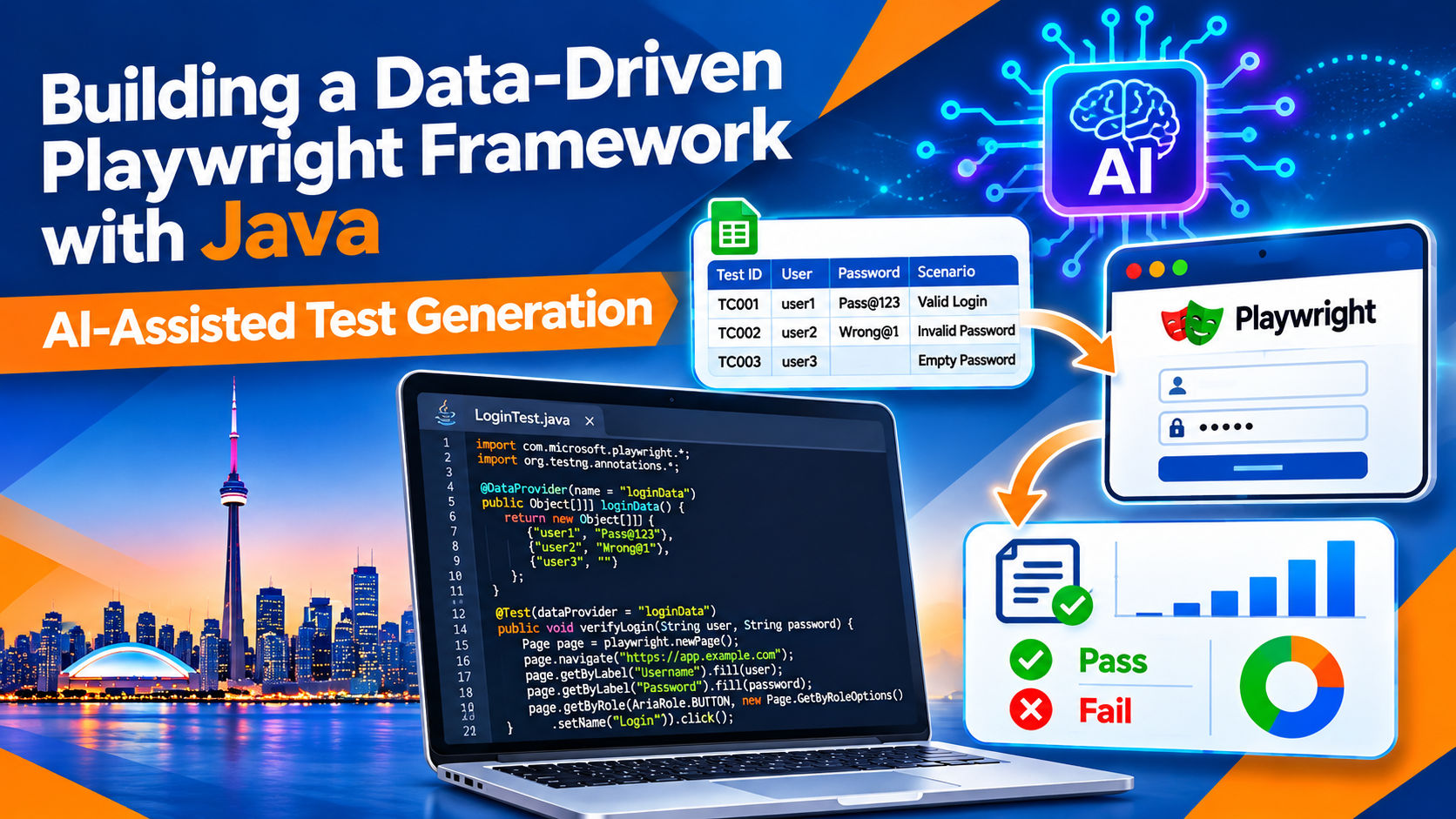

Building a Data-Driven Playwright Framework with Java and AI-Assisted Test Generation
Move beyond one-test-one-input scripts. Learn to organize test data, reuse browser workflows, and use Generative AI as a practical assistant while keeping your automation reliable and maintainable.
Audience: QA engineers, Java developers, Selenium testers, IT graduates and career switchers in Canada.
A strong automation framework makes it easy to add meaningful test scenarios without duplicating browser steps. A data-driven approach achieves this by separating test logic from the data used to exercise it.
Consider a sign-in page. You may need to verify a valid account, an incorrect password, a blank username, a locked account and several boundary conditions. Creating a separate test method for every combination quickly becomes repetitive. A data-driven Playwright framework with Java lets you reuse one test flow with multiple carefully selected datasets.
Generative AI can help turn requirements into candidate scenarios, suggest edge cases, draft datasets and explain failures. It should accelerate the work—not replace test design, validation or human judgement.
1. What Is Data-Driven Testing?
Data-driven testing separates the steps of a test from the values supplied to those steps. The same test can run repeatedly with different inputs and expected outcomes.
Test logic
Defines actions and assertions: open the sign-in page, enter credentials, submit the form and verify the result.
Test data
Supplies scenario-specific values such as username, password, expected outcome and scenario name.
This separation improves readability and lets teams review test data independently from browser interaction code.
2. A Practical Java Framework Structure
A maintainable Maven project can separate page objects, test classes, data providers and resource files:
playwright-data-driven/
├── pom.xml
└── src
    ├── main/java/pages/LoginPage.java
    └── test
        ├── java/data/LoginTestData.java
        ├── java/tests/LoginDataDrivenTest.java
└── resources/testdata/login-data.csv- Playwright setup: creates and closes Playwright, browser, context and page resources.
- Page Object Model: encapsulates page locators and user actions.
- Data provider: supplies independent datasets to a test method.
- Assertions: verify observable outcomes, not just that an action completed.
- Reporting and CI: preserve useful evidence and repeatable execution results.
3. Create Test Data with TestNG
TestNG's @DataProvider is a simple way to pass multiple datasets into one test method. These are illustrative values; use a dedicated test environment and synthetic accounts approved for automation.
LoginTestData.java
package data;

import org.testng.annotations.DataProvider;

public class LoginTestData {
    @DataProvider(name = "loginScenarios")
    public static Object[][] loginScenarios() {
        return new Object[][] {
            {"qa.valid@example.test", "ValidPass123!", true, "Valid login"},
            {"qa.invalid@example.test", "WrongPass!", false, "Invalid password"},
            {"", "ValidPass123!", false, "Blank username"},
            {"qa.valid@example.test", "", false, "Blank password"}
        };
    }
}
Each row represents one scenario. For larger suites, data can come from CSV, JSON, a database or a test-data service. Choose the format that supports review, version control and safe handling of credentials.
LoginPage.java
package pages;

import com.microsoft.playwright.Page;
import com.microsoft.playwright.options.AriaRole;

public class LoginPage {
    private final Page page;

    public LoginPage(Page page) {
        this.page = page;
    }

    public void open(String baseUrl) {
        page.navigate(baseUrl + "/login");
    }

    public void signIn(String username, String password) {
        page.getByLabel("Email").fill(username);
        page.getByLabel("Password").fill(password);
        page.getByRole(AriaRole.BUTTON,
            new Page.GetByRoleOptions().setName("Sign in")).click();
    }

    public boolean isDashboardVisible() {
        return page.getByRole(AriaRole.HEADING,
            new Page.GetByRoleOptions().setName("Dashboard")).isVisible();
    }

    public boolean isLoginErrorVisible() {
        return page.getByText("Unable to sign in").isVisible();
    }
}
Prefer accessible locators such as labels, roles and meaningful text when they reflect the user-facing interface. Confirm that the labels and messages match the actual application.
LoginDataDrivenTest.java
package tests;

import com.microsoft.playwright.*;
import org.testng.Assert;
import org.testng.annotations.*;
import pages.LoginPage;
import data.LoginTestData;

public class LoginDataDrivenTest {
    private Playwright playwright;
    private Browser browser;
    private BrowserContext context;
    private Page page;

    @BeforeMethod
    public void setUp() {
        playwright = Playwright.create();
        browser = playwright.chromium().launch(
            new BrowserType.LaunchOptions().setHeadless(true));
        context = browser.newContext();
        page = context.newPage();
    }

    @Test(dataProvider = "loginScenarios",
          dataProviderClass = LoginTestData.class)
    public void verifyLoginScenarios(String username, String password,
            boolean expectedSuccess, String scenarioName) {
        LoginPage login = new LoginPage(page);
        login.open(System.getProperty("baseUrl"));
        login.signIn(username, password);

        if (expectedSuccess) {
            Assert.assertTrue(login.isDashboardVisible(),
                scenarioName + ": dashboard should appear");
        } else {
            Assert.assertTrue(login.isLoginErrorVisible(),
                scenarioName + ": error should appear");
        }
    }

    @AfterMethod(alwaysRun = true)
    public void tearDown() {
        if (context != null) context.close();
        if (browser != null) browser.close();
        if (playwright != null) playwright.close();
    }
}baseUrl, use assertions that match each validation scenario, capture traces/screenshots on failure, and make teardown resilient. The example creates a fresh browser per test method for clarity; teams can choose another lifecycle after evaluating isolation and speed.4. CSV, JSON or DataProvider: Which Should You Use?
| Approach | Useful when | Considerations |
|---|---|---|
| TestNG DataProvider | Small datasets close to test code | Large datasets can clutter Java classes |
| CSV | Simple tabular data reviewed by QA and business teams | Validate encoding, escaping and columns |
| JSON | Nested or structured test data | Schema validation helps catch mistakes |
| Database/service | Large or centrally managed datasets | Plan isolation, cleanup, access and availability |
Never store real customer information or production passwords in test-data files. Use synthetic data and approved secrets management. Make records deterministic and ensure tests can run independently.
5. How AI-Assisted Test Generation Fits In
AI is useful when it accelerates a well-defined task. It can turn a user story into candidate scenarios, identify missing boundary conditions, draft data rows or create a first version of a TestNG provider. The QA engineer must verify every scenario against requirements and actual product behaviour.
Requirement analysis
Extract positive, negative, boundary and permission scenarios from a clear requirement.
Dataset drafting
Create synthetic records with explicit fields, expected outcomes and scenario labels.
Code scaffolding
Draft a DataProvider, parser, POJO or test skeleton for review and compilation.
Failure investigation
Analyze sanitized logs and relevant code to suggest focused debugging steps.
Example prompt for AI test generation
You are assisting a QA engineer using Playwright for Java and TestNG.

Requirement:
A user signs in with an email and password.
Invalid credentials are rejected with an accessible error message.
Both fields are required.

Create:
1. Positive, negative, boundary and validation scenarios.
2. Synthetic test data with columns:
   scenarioId, email, password, expectedResult, expectedMessage.
3. A Java TestNG @DataProvider returning Object[][].
4. Assumptions and missing requirement details.

Constraints:
- Do not use real personal information or credentials.
- Do not invent application-specific messages; label unknowns as assumptions.
- Keep data deterministic for a test environment.
- Do not generate browser code unless requested.
A good prompt makes the required output explicit and tells the model where not to guess. If password rules or exact error copy are missing, the AI should flag the gap instead of inventing requirements.
Review AI-generated output before use
- Check scenarios against acceptance criteria and product behaviour.
- Remove duplicates and add missing risk-based cases.
- Validate types, required fields, special characters and expected results.
- Check generated code against the project's actual Playwright and TestNG versions.
- Compile and run in a controlled environment before merging.
- Never paste secrets, customer records or confidential code into an unapproved AI service.
6. Improve Coverage, Not Just Test Count
More generated tests do not automatically mean better testing. Prioritize meaningful coverage of business rules and risks.
| Test area | Example | Purpose |
|---|---|---|
| Positive path | Registered user enters valid credentials | Confirms the core journey |
| Negative path | Correct email with wrong password | Checks rejection behaviour |
| Required fields | One or both fields are empty | Validates field rules |
| Boundary/format | Long input, whitespace, malformed email | Finds validation edge cases |
| Security/access | Locked or unauthorized account | Checks access-control expectations |
Design security-sensitive scenarios according to the application's requirements and approved test procedures. Do not perform high-volume login or lockout testing against live systems without authorization.
7. Run the Framework in CI/CD
A data-driven suite becomes more valuable when it runs consistently on relevant code changes. A pipeline can compile the Maven project, execute TestNG tests, publish reports and retain diagnostic artifacts after failures.
mvn -B clean test -DbaseUrl=https://test.example.com- Pin and review dependency versions in
pom.xml. - Use a dedicated test environment and predictable test data.
- Avoid shared mutable accounts and execution-order dependencies.
- Capture Playwright traces, screenshots and logs on failure.
- Separate smoke tests from longer regression suites when useful.
- Track flaky tests and investigate root causes instead of blindly rerunning them.
8. Common Mistakes to Avoid
- Mixing data with page actions: keep datasets separate from locator and interaction code.
- Using production data: use synthetic, approved records and protect credentials.
- Generating without reviewing requirements: AI can misunderstand context or invent missing details.
- Overengineering too early: start small and add abstractions when needed.
- Ignoring test isolation: one scenario should not depend on another's execution order.
- Checking only that a click happened: assert the user-visible result that proves the behaviour.
9. Skills for QA Automation Careers in Canada
Modern QA automation roles can require more than writing scripts. Candidates benefit from Java fundamentals, test design, Playwright locators and browser contexts, API concepts, Git, Maven, CI/CD, debugging and clear defect communication.
For job seekers in Toronto, Brampton, Mississauga, Scarborough and the wider GTA, a portfolio project can demonstrate these skills. Build a data-driven framework against a permitted demo application, document the architecture, show sample reports and explain how you validated AI-generated scenarios. Never publish private employer code or confidential test data.
10. A Learning Roadmap
- Learn Playwright for Java: browser, page, locator, assertion and browser-context fundamentals.
- Learn test design: positive, negative, boundary and exploratory scenarios.
- Add TestNG providers: separate inputs from reusable test logic.
- Introduce Page Object Model: organize page behaviour.
- Externalize larger datasets: use CSV or JSON when it improves maintainability.
- Use AI responsibly: generate candidate cases and code drafts, then validate them.
- Integrate CI/CD: run tests consistently and retain diagnostics.
Build Practical Playwright with Java Skills
Ready to move from basic scripts to a structured automation framework? STEP IN 2 IT supports learners building practical QA automation skills through IT training and career-focused guidance.
Explore Playwright with Java training options and ask about course coverage and available job placement assistance.
Frequently Asked Questions
What is a data-driven Playwright framework?
It separates test logic from test inputs so the same Playwright flow can run with multiple datasets and expected outcomes.
Can Playwright with Java use TestNG DataProvider?
Yes. TestNG's @DataProvider passes multiple datasets to a test method so one test can cover different scenarios.
Can AI generate Playwright Java test cases?
AI can draft scenarios, test data and code scaffolding. A QA engineer must review, compile and validate the output.
Should I store test data in CSV or JSON?
CSV suits simple tables; JSON suits nested or structured data. Keep secrets out of both formats.
Does data-driven testing eliminate duplicate tests?
It can reduce duplicated code, but scenario overlap still needs review. Each dataset should represent meaningful behaviour or risk.
What should I learn first?
Build foundations in Java, Playwright locators and assertions, TestNG, Maven, test design, Git and CI/CD concepts.
Final Thoughts
A data-driven Playwright framework with Java gives QA teams a repeatable way to test multiple scenarios without copying browser workflows into many methods. With thoughtful test design, TestNG providers, maintainable page objects and a reliable CI pipeline, it can become a practical foundation for regression automation.
AI-assisted generation adds speed to scenario brainstorming and code drafting, but quality still depends on clear requirements, safe test data, human review and evidence-based assertions. Treat AI as a capable assistant—not the owner of your test strategy.
Further reading: Playwright for Java documentation · TestNG documentation · Apache Maven guides