

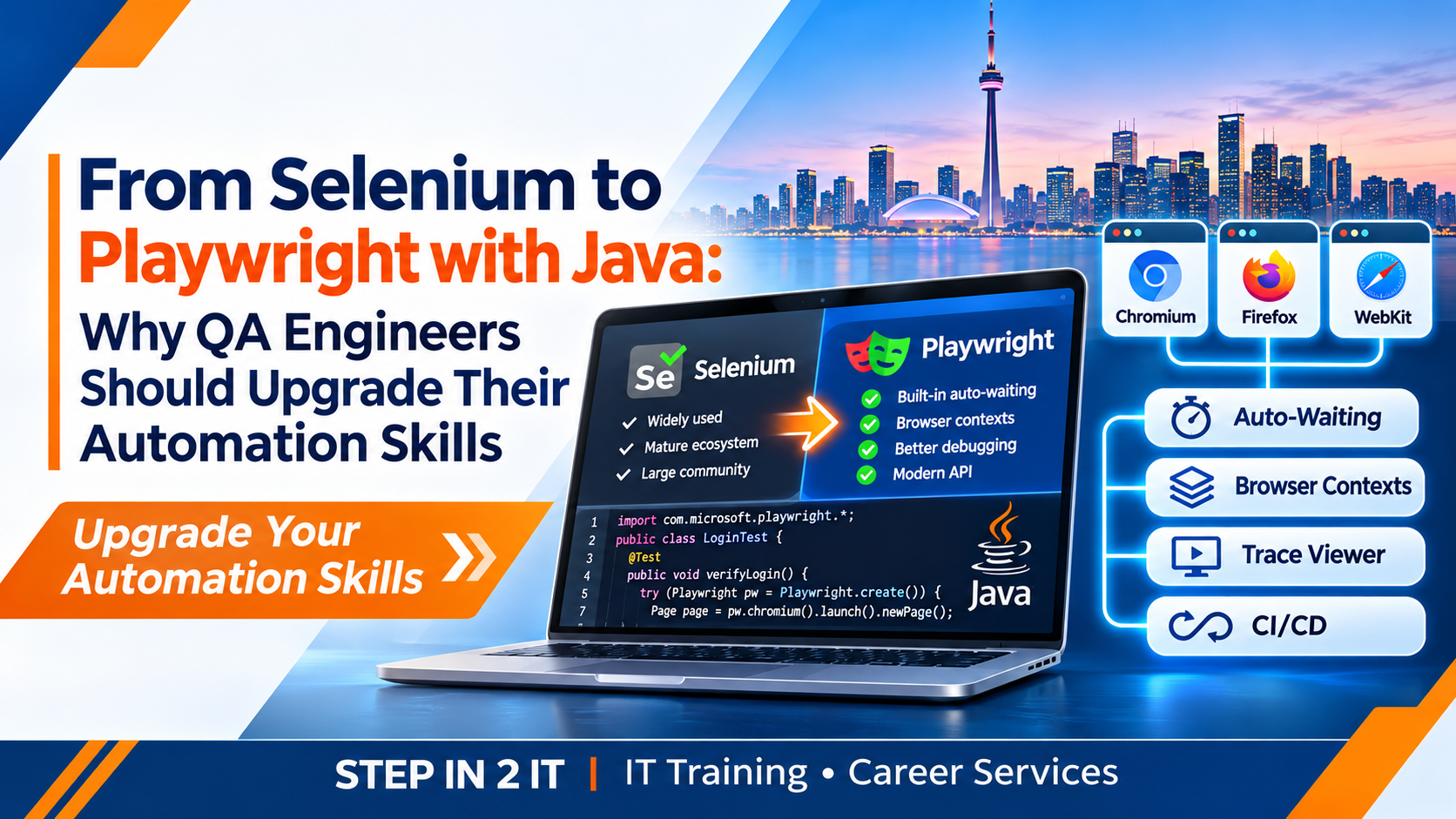
From Selenium to Playwright with Java: Why QA Engineers Should Upgrade Their Automation Skills
Selenium has been a major part of browser automation for years, and many QA teams continue to rely on it for critical regression suites. But web applications, delivery pipelines and testing expectations keep evolving. Playwright offers a modern approach to browser automation, with capabilities such as built-in auto-waiting, isolated browser contexts, trace-based debugging and a streamlined API.
For QA engineers who already know Selenium with Java, learning Playwright with Java does not mean throwing away existing experience. It means building on that foundation, understanding a different automation model and adding skills that can support modern testing projects.
This guide compares the tools, explains what changes when moving from Selenium to Playwright Java, and outlines a practical upgrade path for testers in Toronto and across the Greater Toronto Area (GTA).
1. Why are QA engineers looking beyond traditional Selenium scripts?
Selenium remains a widely used browser automation framework. It supports multiple languages, browser vendors and established testing ecosystems. Many organizations have invested years in Selenium frameworks, reusable libraries, reporting and CI pipelines.
However, automation teams often encounter familiar challenges as applications and test suites grow: synchronization code, flaky interactions, browser setup, test isolation and the time required to investigate failures. Some of these challenges can be addressed through good Selenium framework design; others are areas where Playwright provides different built-in capabilities.
Growing test suites
More test cases can mean more maintenance, execution time and dependencies to manage.
Dynamic web applications
Modern interfaces update asynchronously, so reliable synchronization and locator design matter.
Faster release cycles
Teams need repeatable automated feedback that can run consistently in CI pipelines.
Debugging pressure
When a test fails, engineers need useful evidence to distinguish application defects from automation issues.
The goal is not to declare Selenium obsolete. It is to understand whether Playwright's capabilities suit the needs of a particular project and to develop skills that let you work across both ecosystems.
2. Selenium vs Playwright: What is different?
Both tools automate browsers, but their APIs and execution models differ. Selenium WebDriver communicates with browser drivers using the WebDriver standard. Playwright uses its own browser automation architecture and provides built-in features for waiting, browser contexts and tracing.
| Area | Selenium with Java | Playwright with Java |
|---|---|---|
| Browser control | WebDriver-based browser automation using browser-specific implementations | Playwright Browser, BrowserContext and Page APIs |
| Synchronization | Explicit waits and expected conditions are commonly used for specific page states | Auto-waiting for supported actions and retrying web-first assertions |
| Session isolation | Usually managed through separate WebDriver sessions and framework setup | BrowserContext provides isolated browser sessions within a browser instance |
| Locators | Commonly uses By strategies and WebElement methods | Locator API, including role, label, text and test-id locators |
| Debugging | Can use logs, screenshots, browser logs and reporting integrations | Includes screenshots and tracing capabilities, with Trace Viewer support |
| Parallel testing | Supported through test frameworks, Grid and cloud infrastructure | Can use independent contexts and parallel test workers; resource management still matters |
| Language support | Broad language ecosystem | Java, JavaScript/TypeScript, Python and .NET |
3. What makes Playwright with Java attractive?
Built-in auto-waiting
One of Playwright's useful features is that supported actions wait for relevant actionability conditions before interacting with an element. For example, a click waits for checks such as visibility, stability, enabled state and whether the element can receive events. This can reduce the need for repetitive wait code, but it does not remove the need to understand application timing or diagnose genuine failures.
Web-first assertions
Playwright's assertion library can retry conditions until they pass or the configured timeout is reached. This is useful for interfaces where content appears after asynchronous operations.
Browser contexts
A BrowserContext represents an isolated browser session. It can help tests use separate cookies, local storage and session state without launching a completely separate browser process for every test. Teams must still ensure that test data and application-side state do not conflict.
Trace Viewer and debugging evidence
Playwright tracing can record useful details about test execution. Engineers can inspect actions, snapshots and other evidence to understand where a failure occurred. This can make debugging more systematic, especially in CI environments.
Cross-browser coverage
Playwright supports Chromium, Firefox and WebKit browser engines. This gives teams a practical way to validate behaviour across different browser engines, although exact browser and operating-system coverage should be checked against project requirements.
4. Moving from Selenium Java code to Playwright Java
The most useful way to learn a new automation tool is to compare familiar tasks. Consider a simple login scenario.
Selenium Java example
WebDriver driver = new ChromeDriver();

driver.get("https://example.com/login");

driver.findElement(By.id("username"))
      .sendKeys("testuser");

driver.findElement(By.id("password"))
      .sendKeys("testpassword");

driver.findElement(By.id("loginButton"))
      .click();

WebDriverWait wait = new WebDriverWait(
    driver, Duration.ofSeconds(10)
);

WebElement dashboard = wait.until(
    ExpectedConditions.visibilityOfElementLocated(
        By.id("dashboard")
    )
);

Assert.assertTrue(dashboard.isDisplayed());

driver.quit();
Playwright Java example
import com.microsoft.playwright.*;
import static com.microsoft.playwright.assertions.PlaywrightAssertions.assertThat;

public class LoginExample {
    public static void main(String[] args) {
        try (Playwright playwright = Playwright.create()) {
            Browser browser = playwright.chromium().launch();
            BrowserContext context = browser.newContext();

            try {
                Page page = context.newPage();
                page.navigate("https://example.com/login");

                page.locator("#username").fill("testuser");
                page.locator("#password").fill("testpassword");
                page.locator("#loginButton").click();

                assertThat(page.locator("#dashboard")).isVisible();
            } finally {
                context.close();
                browser.close();
            }
        }
    }
}
Both examples are illustrative. Replace the URL, selectors and credentials with values for an approved test environment. A production framework should keep credentials outside source code and manage browser lifecycle through shared setup and teardown components.
Notice that Playwright uses a Page object and locator methods, while Selenium uses WebDriver and WebElement interactions. Playwright's web-first assertion also provides retry behaviour without writing a separate explicit wait for this visibility check.
5. Do Selenium skills transfer to Playwright?
Yes. Much of a QA engineer's experience remains valuable. The migration is not starting from zero; it is learning new APIs and adapting framework design.
Skills that transfer
- Test planning and test design
- Locators and DOM inspection
- Java fundamentals and OOP
- Page Object Model concepts
- Assertions and test data
- Regression testing and defect reporting
- Maven, TestNG or JUnit concepts
Skills to learn or deepen
- Playwright Browser, Context and Page APIs
- Locator API and web-first assertions
- Auto-waiting and actionability checks
- BrowserContext isolation and storage state
- Playwright tracing and debugging
- Network interception and API testing
- Playwright browser installation and CI setup
Understanding the difference between similar-looking APIs is important. Avoid simply translating every Selenium method line by line. Use the opportunity to simplify the framework and take advantage of Playwright's design.
6. A practical migration strategy for an existing QA team
Organizations with large Selenium suites should avoid an uncontrolled rewrite. A phased approach can reduce risk and allow teams to compare results.
Identify critical user journeys, flaky tests, maintenance hotspots, browser requirements and external dependencies.
Choose a small but meaningful journey, such as login, search or account settings, with stable test data.
Set up Maven, browser configuration, test lifecycle, Page Objects, test data and reporting.
Run the same scenarios in both frameworks and compare coverage, reliability, execution behaviour and maintenance effort.
Run the pilot in a pipeline and retain reports, screenshots and traces for investigation.
Move suitable workflows in stages. Keep Selenium tests that remain valuable until there is a reason and plan to replace them.
A coexistence period may be appropriate. Different projects, teams or application areas can use different tools while the organization evaluates its long-term direction.
7. Upgrade your framework architecture, not just your tool
A successful move to Playwright Java is a good opportunity to review the framework itself. A clean architecture might include:
- Browser management: Centralized configuration for browser type, launch options and lifecycle.
- Page Objects: Reusable classes that represent application pages or components.
- Test layer: TestNG or JUnit classes that describe business scenarios.
- Configuration: Environment-specific URLs, timeouts and settings.
- Test data: Controlled test data creation, cleanup and secure credential handling.
- Utilities: Reusable helpers for screenshots, downloads, uploads and common operations.
- Reporting: Execution summaries, logs, screenshots and traces.
- CI/CD: Repeatable execution in a pipeline with retained test artifacts.
Do not add layers simply because a framework diagram looks impressive. Each abstraction should solve a real maintenance, reuse or collaboration problem.
8. How AI can support the Selenium-to-Playwright learning journey
Generative AI can help QA engineers understand unfamiliar APIs and draft migration work. It should be treated as an assistant—not an authority on whether a test is correct.
Explain code differences
Act as a senior Java automation engineer. Explain the differences between this Selenium Java method and an equivalent Playwright Java implementation. Explain locator behaviour, waiting strategy, browser lifecycle and any assumptions. Do not simply translate line by line.
Draft Playwright page objects
Convert this sanitized Selenium Page Object into a Playwright Java Page Object. Keep the same business intent, use meaningful locators, remove unnecessary fixed waits, and explain which selectors or assertions require verification against the actual application.
Investigate failures
Review this sanitized Playwright Java error and relevant test code. List possible causes, identify what evidence would distinguish them, and propose a fix using supported Playwright APIs. Do not assume the failure is a timing issue without evidence.
AI can also help create migration checklists, document framework conventions and suggest additional edge cases. Never share passwords, tokens, customer data, proprietary source code or confidential logs with an AI service unless the organization has approved that use.
9. Common mistakes when upgrading from Selenium
- Rewriting everything at once: Large migrations increase risk. Start with a pilot and measure the outcome.
- Copying Selenium design without review: Some existing abstractions may not be needed in Playwright.
- Assuming auto-waiting fixes every flake: Poor test data, application defects and incorrect assertions can still cause failures.
- Sharing browser state: Reusing contexts or accounts carelessly can create cross-test interference.
- Using brittle selectors: Prefer role, label and stable test-id locators where appropriate.
- Ignoring CI evidence: A test suite needs useful reports and retained failure artifacts to be maintainable.
- Skipping fundamentals: A new tool does not replace Java, testing and debugging knowledge.
10. A 30-day learning roadmap for Selenium Java testers
Install Playwright Java, explore browser launch, Page and BrowserContext, navigate pages and practise locators and assertions.
Create Page Objects, configuration management, test lifecycle hooks and reusable test data utilities using TestNG or JUnit.
Practise screenshots, tracing, network inspection and CI execution. Add reporting and failure artifact collection.
Automate a realistic user journey, document the framework, include positive and negative scenarios, and explain design decisions.
This is a suggested study sequence, not a promise that every learner will master the framework in 30 days. Progress depends on prior Java experience, study time and project complexity.
11. Career value: Why upgrade your automation skills?
QA roles increasingly involve more than executing manual test cases. Depending on the employer and seniority, automation engineers may be expected to understand programming, test architecture, API validation, CI/CD, debugging and cross-browser testing.
For Selenium Java testers in Toronto, Mississauga, Brampton, Scarborough and the wider GTA, adding Playwright Java to an existing skill set can broaden the range of projects and tools you can discuss in interviews. Relevant roles may include:
- QA Automation Engineer
- Java Automation Tester
- Software Development Engineer in Test (SDET)
- Test Automation Developer
- Quality Assurance Analyst
- Software Test Engineer
Learning Playwright does not guarantee a job or replace the experience required by a specific posting. Build practical examples, understand the code you write and be prepared to explain how you design tests, investigate failures and maintain automation.
12. Frequently asked questions
Is Selenium becoming obsolete?
No. Selenium remains actively used and is supported by a mature ecosystem. Playwright is another strong option for modern browser automation. Teams should choose based on their requirements rather than assuming every Selenium suite must be replaced.
Can I learn Playwright Java if I already know Selenium Java?
Yes. Your Java, OOP, test design, locator and framework experience provides a useful foundation. Focus on learning Playwright's Browser, BrowserContext, Page, Locator and assertion APIs.
Is Playwright faster than Selenium?
Performance depends on the application, test design, browser setup, infrastructure and parallel execution strategy. Benchmark representative workflows in your own environment instead of relying on a universal speed claim.
Can Selenium and Playwright run in the same organization?
Yes. Teams can maintain both frameworks during a phased migration or use each where it best fits the project. Shared reporting and test data conventions can help keep the overall strategy manageable.
Do I need to learn JavaScript to use Playwright with Java?
No. Playwright provides official Java bindings. Java developers can build Playwright tests in Java, although familiarity with web technologies such as HTML, CSS and browser behaviour remains useful.
Does Playwright replace manual testing?
No. Automation supports repeatable checks, but exploratory testing, usability evaluation, risk analysis and human judgment remain important parts of quality assurance.
What should I include in a Playwright Java portfolio?
Include a readable framework, meaningful test scenarios, reliable test data, a setup guide, CI execution and examples of how you investigated failures. Explain what the tests validate and what they do not cover.
Conclusion: Build on Selenium Experience and Move Forward with Playwright Java
Moving from Selenium to Playwright with Java is not about abandoning a proven automation tool. It is about understanding a modern alternative and expanding the skills you can bring to a QA team.
Your Selenium experience in Java, test design, locators, Page Object Model and regression testing provides a valuable starting point. By learning Playwright's auto-waiting, BrowserContext isolation, locator API, assertions, tracing and CI integration, you can develop a broader automation toolkit.
Start with one practical workflow, build a maintainable framework and validate your results. The strongest automation engineers are not defined by a single tool—they understand testing principles and know how to select and use the right technology for the problem.
Ready to strengthen your QA automation skills?
STEP IN 2 IT supports aspiring IT professionals and career changers with software testing education and career development. Explore the available training options and confirm current course coverage, delivery details and career support with the team.
References and further reading
- Selenium – Official Documentation
- Playwright for Java – Official Documentation
- Playwright Java – Locators
- Playwright Java – Auto-waiting and Actionability
- Playwright Java – Browser Contexts
- Playwright Java – Trace Viewer
- Playwright Java – Continuous Integration
Suggested banner alt text: From Selenium to Playwright with Java: a visual comparison of browser automation, Java code, cross-browser testing, modern locators and QA skills.